Embedded e-signature
E-signature, built into your portal.
Prepare a PDF, collect signatures, and bring the signed copy back to the workflow you already use.
See the workflow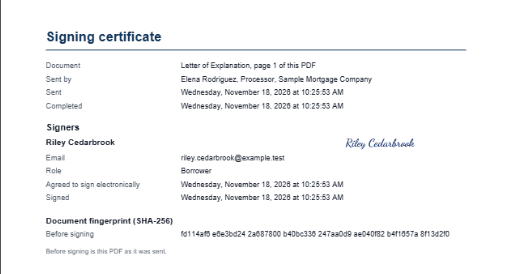
Send
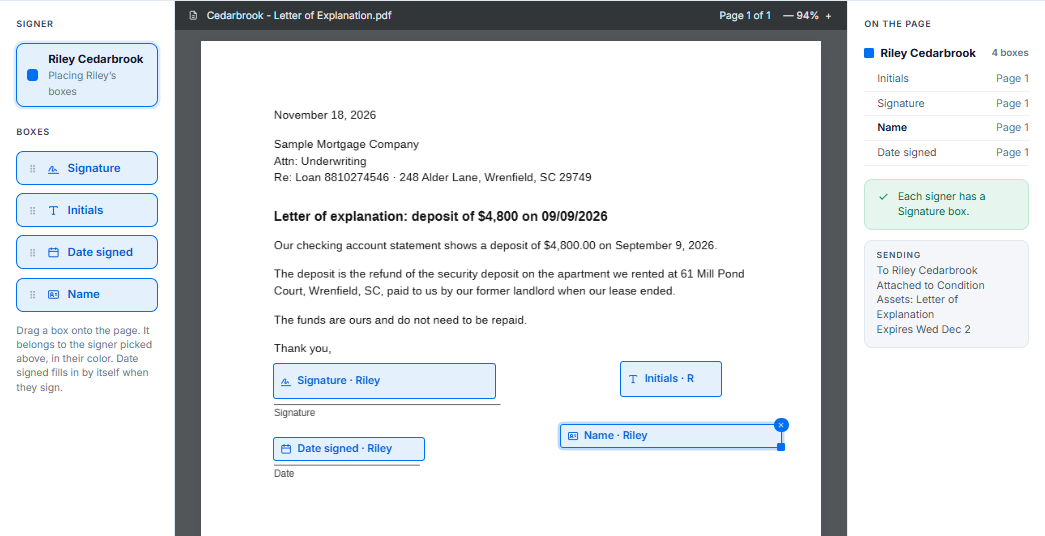
Put each box where it belongs.
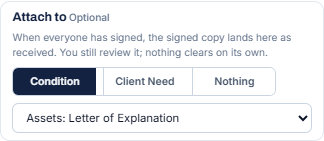
Drag Signature, Initials, Date signed, and Name boxes onto the PDF for each signer. Attach the request to a Condition when the document belongs with one.
Sign
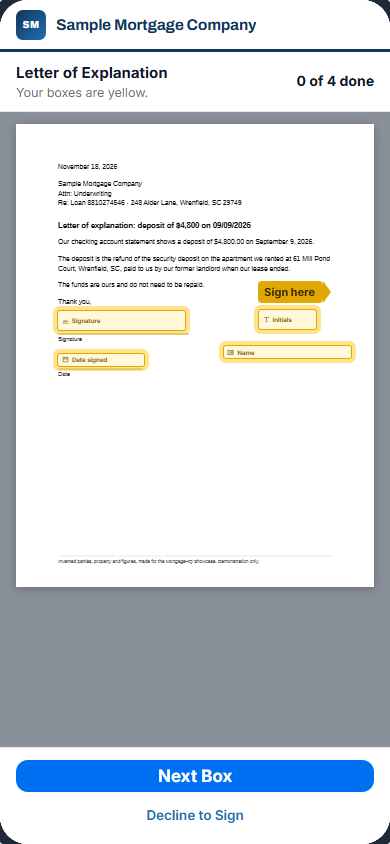
Sign from a phone.
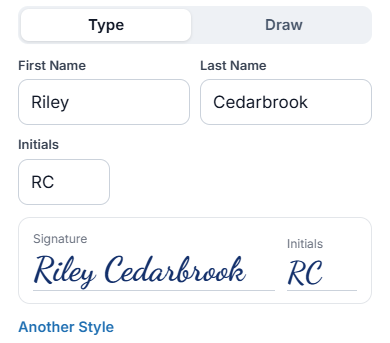
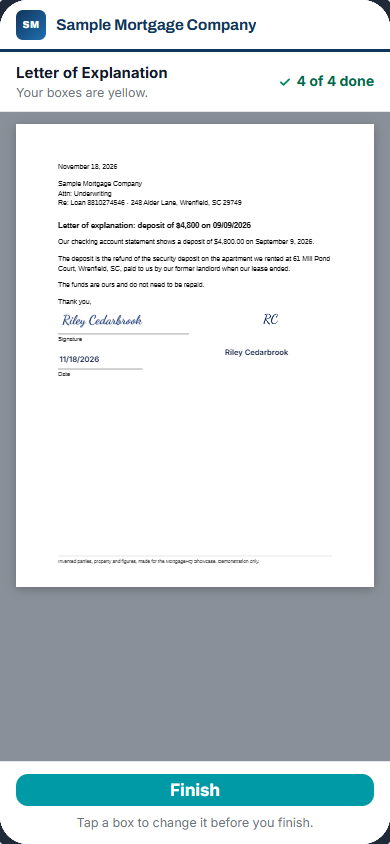
Agree to sign electronically and adopt a typed or drawn signature. Fill the boxes, then tap Finish on your phone.
Track
See where it stands.
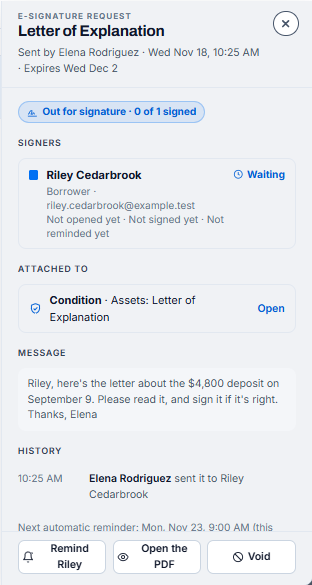
See who opened and signed. Requests show Out for signature, Signed, Declined, Expired, or Voided. While a request is out for signature, use Remind or Void.
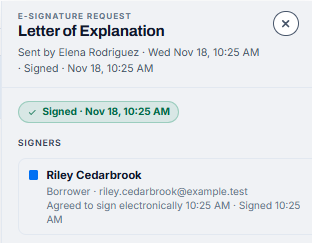
Certificate
Keep the record with the PDF.
The signed PDF is filed with a signing certificate. The staff copy records the signing history, signer names, the agreement wording and version, how each signature was adopted, and any recorded IP addresses and browser details.
Built in
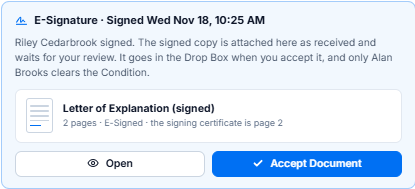
Back on the Condition.
MortgageHQ is the first host. The signed copy is available on the Condition the sender attached it to.